
Selecting Ad Accounts
When you connect LinkedIn Ads, you choose which ad accounts Revenue Proven syncs. This guide covers adding and removing accounts, per-plan limits, and how changes take effect.
OAuth authorization gives Revenue Proven read access to every LinkedIn ad account the authorizing user can see. Revenue Proven only syncs the accounts you explicitly select, however. This lets agencies and multi-brand teams authorize once and then choose which accounts feed each workspace.
Ad account limits by plan
- Free: 1 ad account
- Pro: 3 ad accounts
- Growth: 10 ad accounts
- Scale: 15 ad accounts
- Agency: 50 ad accounts
Adding an account
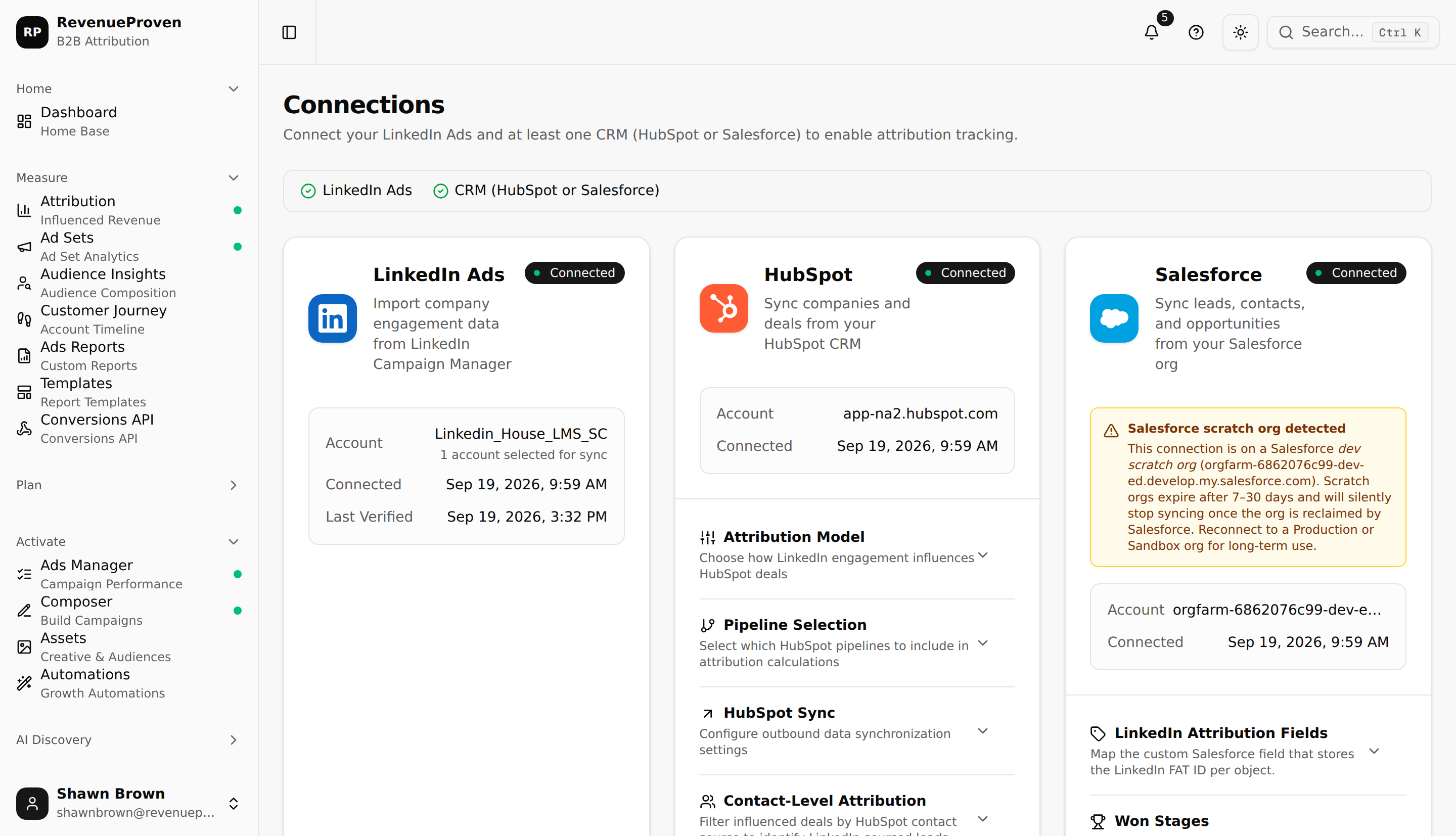
Open Connections (under Workspace in the left sidebar) and edit your selected ad accounts. Select a new account and save. Revenue Proven picks up the new account on the next scheduled sync. Data will appear within the lookback windows your plan supports.
Removing an account
Deselect the account and save. Future syncs stop pulling data for that account immediately. Historical data already in your workspace remains visible in dashboards and reports. If you also want to clear the historical data, contact support.
Agency workspaces
Agency plans support connecting ad accounts across multiple client workspaces from one OAuth user. Each workspace selects its own set of ad accounts independently. The authorization remains scoped to the permissions of the user who completed OAuth.
Related Reading
See "LinkedIn Ads Integration" for the connection setup and "HubSpot Integration" for CRM scope configuration.