
Playbooks: Step-by-Step Guides for Common Outcomes
Playbooks are static recipe cards that walk you through common Revenue Proven workflows. Each card identifies a goal, lists the steps, and links directly to the relevant feature. Learn how progress is tracked and what to expect from cross-device use.
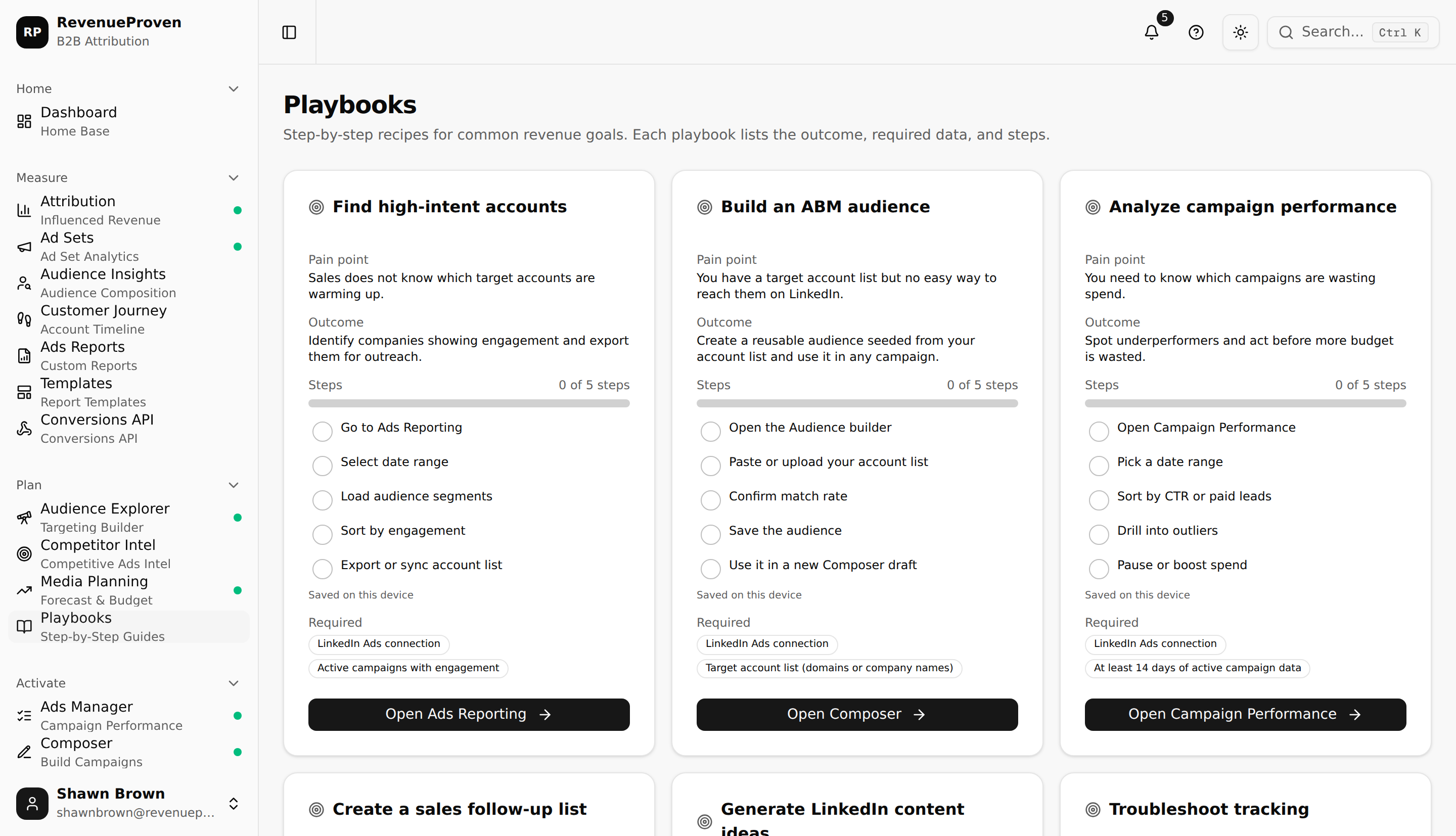
Playbooks give you a structured starting point for the most common Revenue Proven goals. Each playbook card describes a pain point, states the outcome you can achieve, lists the steps to get there, identifies what data you need, and links directly to the relevant feature. Browse the full catalog at /dashboard/playbooks.
What Each Playbook Contains
- Pain point: the specific problem the playbook addresses
- Outcome: the result you can expect when you follow the steps
- Steps: a numbered list of actions to take in Revenue Proven
- Required data: which connections or data sources you need before starting
- Call to action: a direct link to the relevant feature or dashboard page
Tracking Your Progress
You can check off individual steps as you complete them. Progress is saved on this device only, using your browser's local storage. It is not synced to your Revenue Proven account, so it does not carry across other browsers, other devices, or other team members on the same workspace. Clearing your browser data resets your progress.
About the Catalog
The playbook catalog is static. It shows the same cards to every user, regardless of which campaigns you are running, which CRM you have connected, or which plan you are on. Playbooks are not personalized to your account data.
Access and Plan Requirements
The Playbooks page is available to all logged-in users. You do not need a Growth plan or above to browse playbooks or track step completion. The features that individual playbook steps link to may have their own plan requirements. For example, a playbook that links to Media Planning, Competitor Intel, or Audience Explorer will take you to a page that is available on the Growth plan and above.